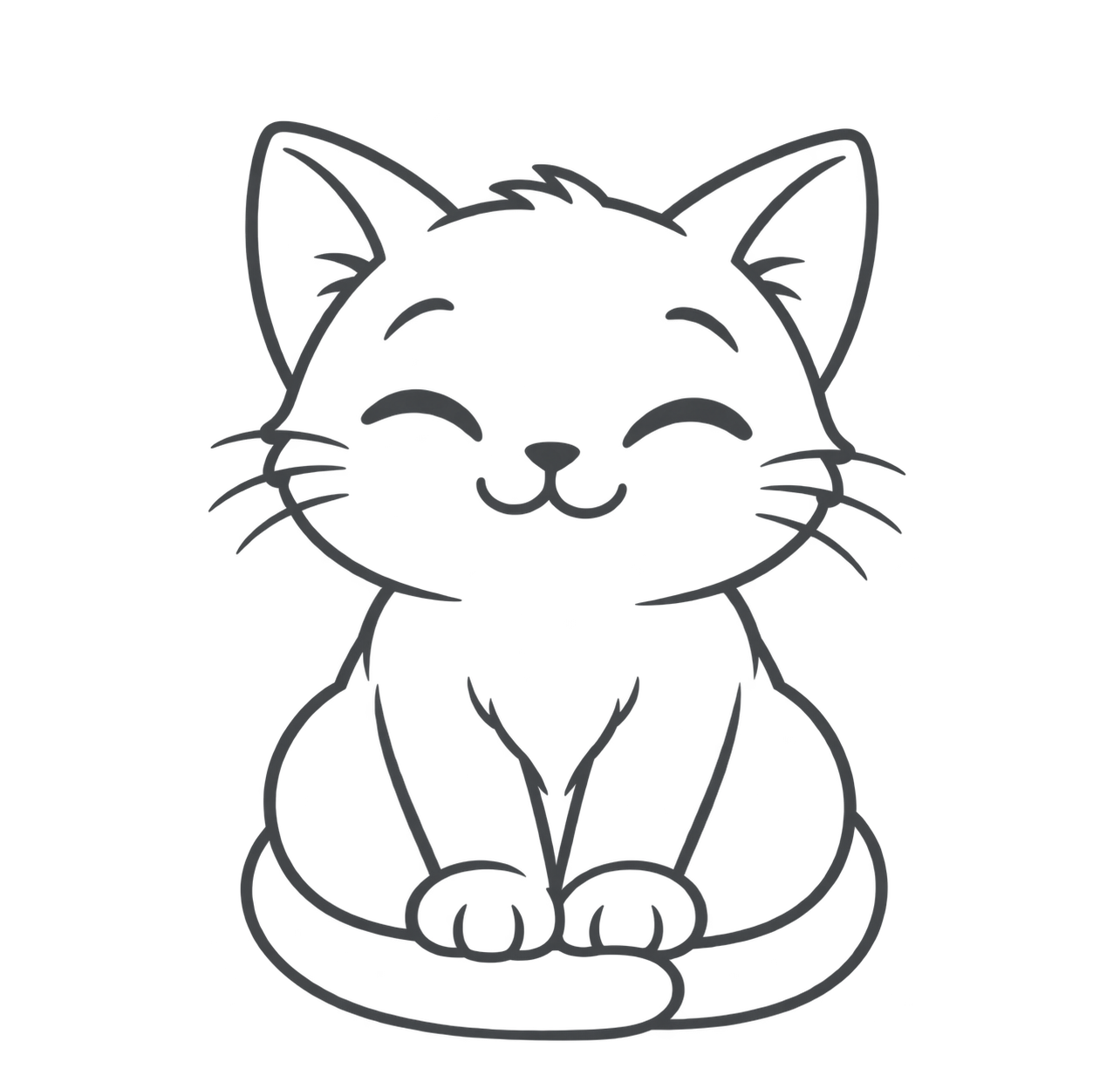
How Text to Coloring Page Works
- Describe it. Type one sentence about the scene you want — a subject, an action, and nothing else competing for space.
- Generate. The page is drawn as solid black line art in about twenty seconds. No photo, no upload, no tracing.
- Download and print. Take a 300 DPI PDF for the printer or a PNG for tablets and coloring apps, on Letter or A4.
Short beats long: once a description runs past about fifteen words, the extra detail turns into extra lines. Nothing is stored on an account, so download the page while it is on screen. See finished pages for a sense of what the line art looks like.
What to Type: Prompts That Work
The generator draws what you describe, so the description is the design. One subject, one action, clean background — that combination gives you large shapes a child can actually color inside.
Works: “A cat sleeping in a flower pot” — single subject, simple pose, background implied by the pot.
Struggles: “A detailed city skyline at sunset” — dozens of small elements, no focal point, and the line work breaks into fussy little fragments.
Three directions that reliably land well:
- Cute — “a cute corgi wearing a scarf”. Cuteness simplifies the face and rounds the shapes.
- Easy — “an easy snowman”. Fewer details and bigger blocks, best for toddlers.
- Animals — cats, dogs, foxes, dinosaurs. Animals stay recognizable even after detail is stripped away, which is why they work when a complex scene would not.
Once you have a page you like, keep the wording and change one element — the animal, the season, the prop — to build a small set for a party, a classroom theme, or a rainy afternoon. That is also the cheapest way to test a theme before committing to a full set. Browse our free coloring pages library if you would rather start from one.
Print-Ready for Home and Classroom
Every page exports at 300 DPI — the resolution a print shop would ask for — with solid black lines rather than fuzzy grey ones. Letter and A4 are both supported, so a page made in one country prints correctly in another.
There is no watermark, no account wall, and no page limit, which is what makes it usable for a whole class rather than one child. Print at 100% scale (“actual size”), not “fit to page”, and the proportions hold. Home printers handle either format without special settings — if there is a borderless option, leave it off, or the outer lines get clipped. More printing tips.