Create a printable coloring page from words or photos
Describe something you’d love to color, or turn a photo into line art. Choose an age to shape the level of detail.
Upload a photo, then generate your page.

Your coloring page will appear here
Upload a photo, then click Generate.
Free means printable — 300 DPI, no watermark, no sign-up.
✓ No sign-up✓ 300 DPI when printing✓ No watermark✓ Full privacy — see our policyHow it works
Three steps, no account, no skills needed — you'll have a page to color in a minute.
Upload
Pick any photo — your kid, your dog, the drawing on your fridge. Phone photos work great.
Adjust
Crop or rotate if you want to, then choose Letter or A4. Defaults are fine.
Download & print
Download the PNG or PDF, print at 100%, and start coloring.
Coloring inspiration
Drag left for the original, right for the coloring page.
 Original
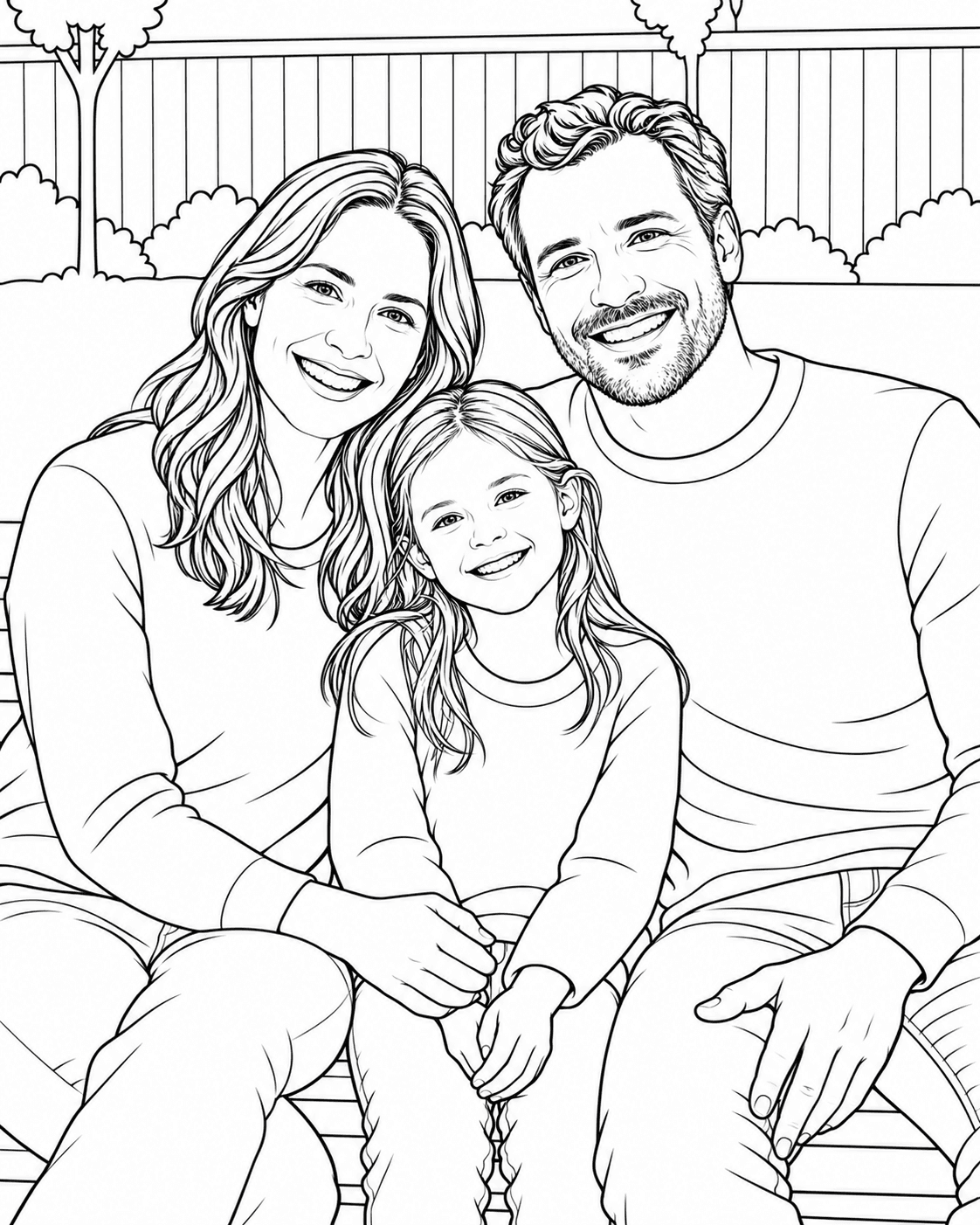 Coloring page
 Original
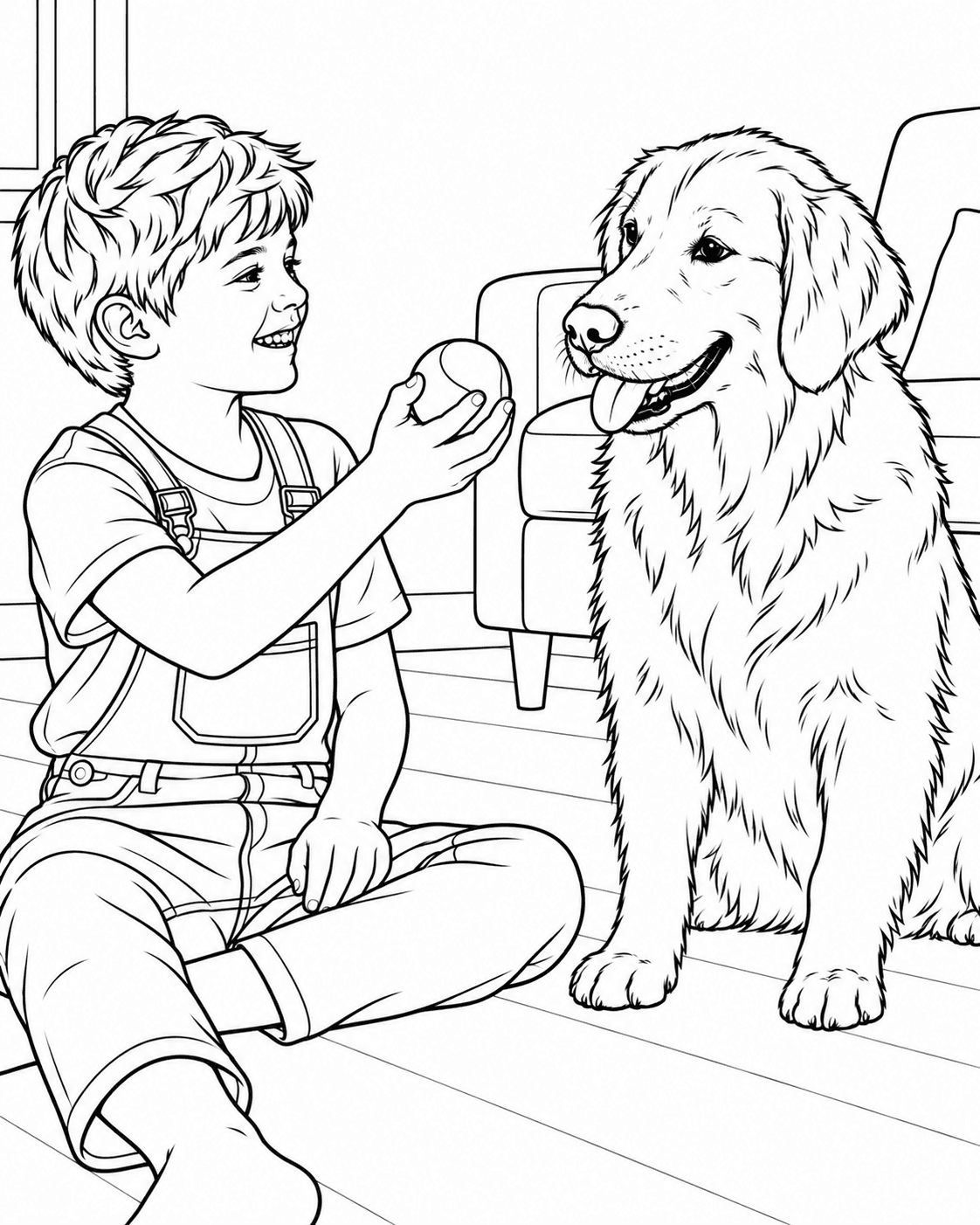 Coloring page
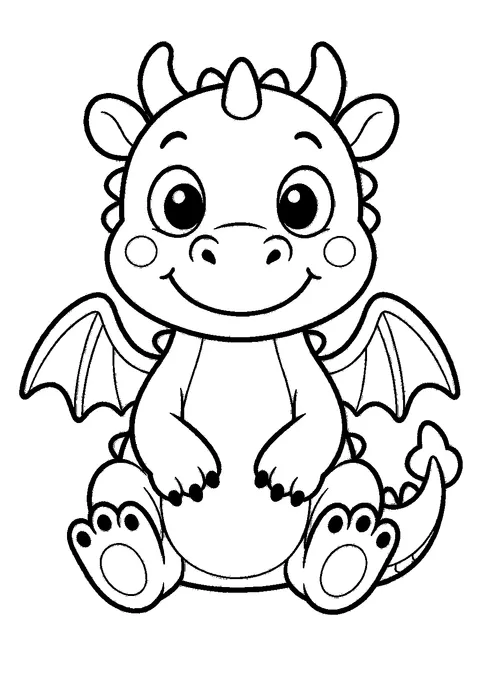
 Illustration
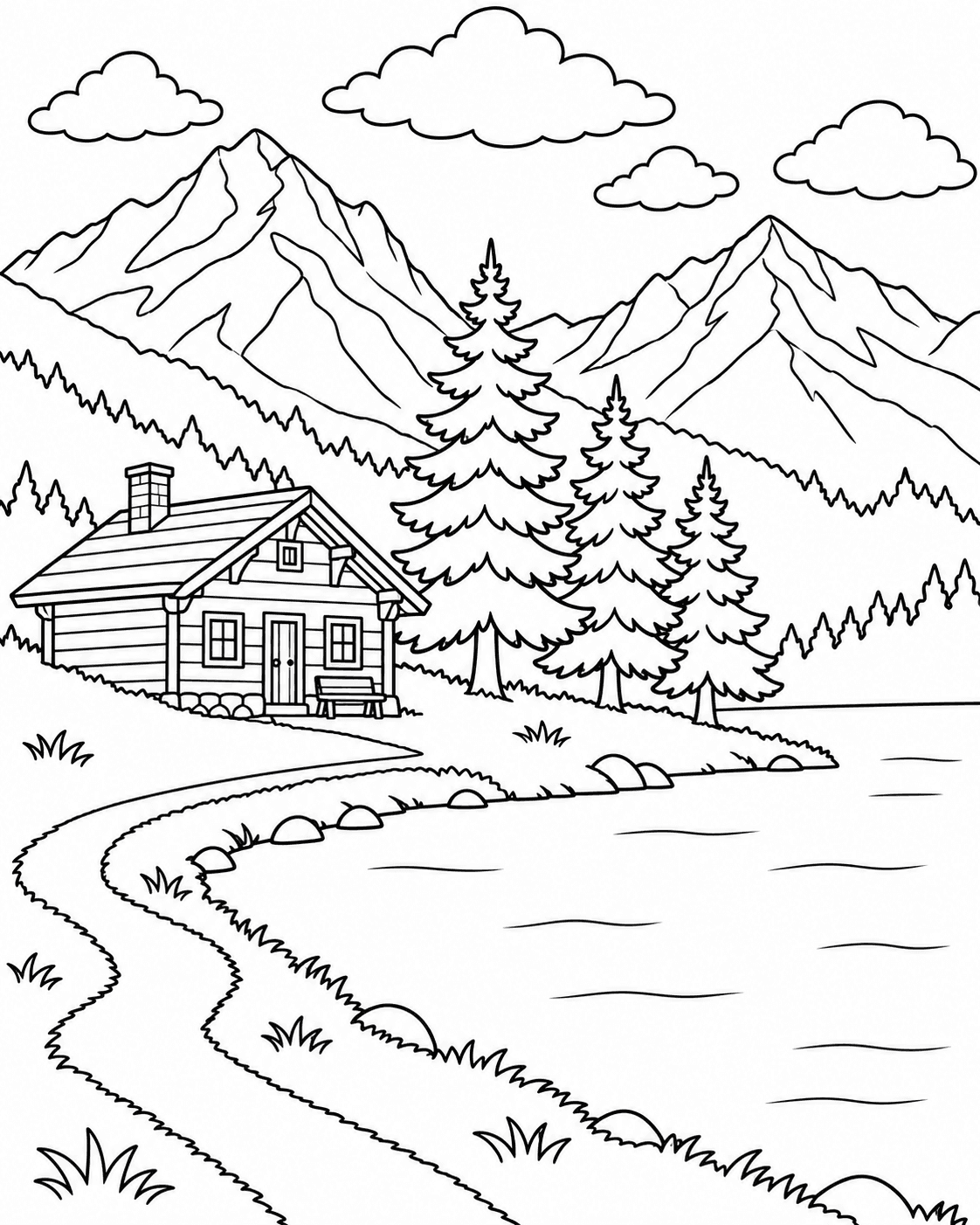 Coloring page
Frequently asked questions
Is it really free?
Yes — really free, and there's no catch. Every download is the full-quality file: 300 DPI, no watermark, no sign-up, and no limit on how many pages you make. Nothing is held back for a paid tier — the print-ready PDF is the free version here, not an upgrade.
How sharp will the print be?
Sharp enough to print at home. Pick Home Print and every page comes out at 300 DPI — the quality a print shop would ask for — with solid black lines instead of fuzzy grey ones. Letter and A4 are both available. One tip: print at 100% ("Actual size") so nothing gets scaled down. Digital instead? That one's the lighter version, sized for tablets and coloring apps.
What photo formats can I use?
JPG, PNG, or WebP. Large photos are automatically resized on your device for processing — no need to compress them first.
How do I print the coloring page?
It's a normal PDF — just print it. Download the file, open it, and print at 100% ("Actual size") on Letter or A4 paper. Any home printer works, no special settings needed. Read the printing guide
My photo didn't turn out well — what now?
That happens — and most of the time it's the photo, not you. The tool likes three things: good light, a subject that fills the frame, and some contrast between your subject and the background. Try one more shot with those in mind — a pet by a bright window is close to ideal. Still not happy? This short guide walks you through it. How to turn a photo into a coloring page
Ready to make your first coloring page?
Upload a photo, pick your paper size, and print — it takes less than a minute.
Start creating — it's free